Understand HoyaPay USD Account, Wallet, and Virtual Card in One Article

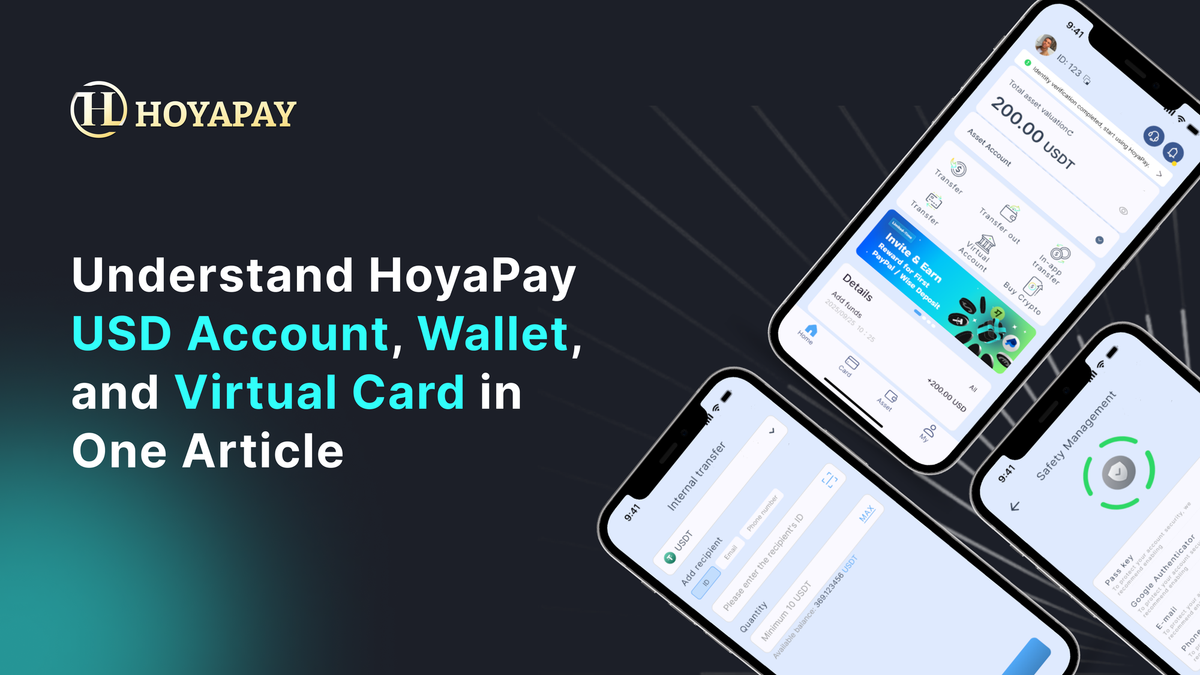
💵 USD Account = For receiving money (inflow) 💼 Wallet = For storing money (hub) 💳 Virtual Card = For spending money (outflow)
👉 Together, they form a complete financial flow system
1. USD Account: Your USD Receiving Entry Point
This is the feature in HoyaPay that works most like a bank account.
📌 What does it do?
👉 It’s used to receive USD payments
You’ll get a set of account details that you can provide to:
- Clients for payments
- Platforms like Upwork / Freelancer
- PayPal / Wise withdrawals
- Companies or business partners
🧠 When would you use it?
- Receiving freelance income
- Getting paid by overseas companies
- Receiving USD transfers
💼 2. Wallet: Your Fund Management Hub
Once money comes in, where does it go?
👉 Into your Wallet
📌 What does it do?
👉 It’s used to store and manage your assets
In your Wallet, you can hold:
- USD (fiat currency)
- USDT (stablecoin)
🔄 Its most important feature
👉 Asset conversion (USD ↔ USDT)
You can:
- Receive USD → convert to USDT
- Hold USDT → convert back to USD
🧠 When would you use it?
- Managing your income
- Allocating funds
- Preparing for payments or transfers
💳 3. Virtual Card: Your Global Payment Tool
When you want to spend money, this is what you use.
📌 What does it do?
👉 It’s used for payments and spending
With the HoyaPay virtual card, you can:
- Pay for Netflix, Spotify
- Subscribe to ChatGPT, Notion, Figma
- Pay for AWS and cloud services
- Run ads on Meta / Google
📱 Supports mobile payments
👉 Can be linked to Apple Pay / Google Pay
So you can:
- Pay directly with your phone
- No physical card required
- Use it globally with ease
🧠 When would you use it?
- Daily subscriptions
- Work-related tools
- Cross-border spending
A Complete Flow
👉 Client pays → USD Account 👉 Funds arrive → Wallet 👉 Spend when needed → Virtual Card
Understand These Three, and You Understand HoyaPay
Many people think cross-border finance is complicated.
But in reality, it’s just:
👉 Not knowing what each tool does
Once you understand:
✔ USD Account = Entry ✔ Wallet = Hub ✔ Virtual Card = Exit
The entire system becomes intuitive and easy to use.