
HoyaPay Beginner Guide: From Registration and Verification to Your First Payment Received

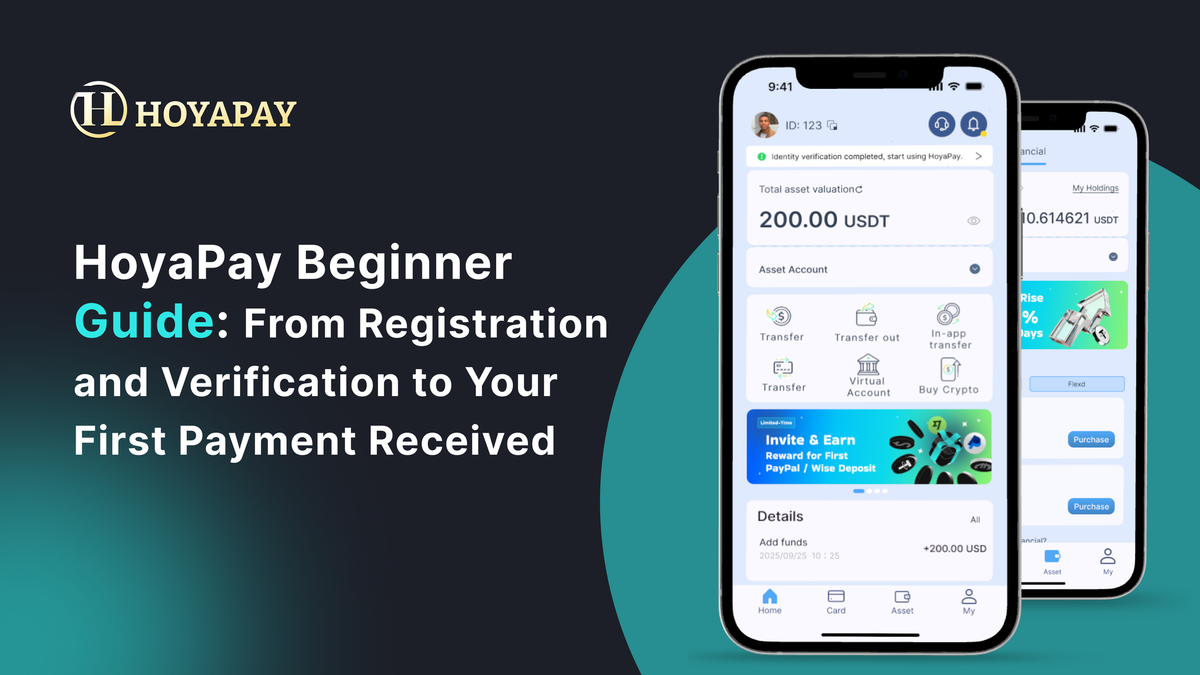
If you're new to cross-border payments, stablecoins, or digital financial tools, you might be wondering:
- How do I get started with HoyaPay?
- What documents do I need?
- Is the receiving process complicated?
The truth is — it’s much simpler than you think.
This guide will walk you through everything step by step, from zero to fully set up:
👉 Register → Verify → Open account → Receive funds → Use your money
So you can quickly get started with HoyaPay.
A Cross-Border Financial Platform Integrating USD Accounts, Stablecoins, and Global Payments
With HoyaPay, you can:
- Open a USD account (supports ACH / Wire transfers)
- Receive payments from platforms like Upwork, PayPal, or direct clients
- Convert between USDT and fiat within the app
- Use a virtual card for global spending
👉 All your financial activities can be managed in a single app.
Step 1: Register a HoyaPay Account
Getting started is straightforward:
1️⃣ Visit the official website or download the app
2️⃣ Sign up using your email or phone number
3️⃣ Set your login password
The entire process usually takes just a few minutes.
Step 2: Complete KYC Verification
To ensure account security and regulatory compliance, HoyaPay requires identity verification (KYC).
You’ll typically need to provide:
- Basic personal information
- A valid ID document (such as a passport or ID card)
- Facial verification (in some cases)
📌 Why is this required? 👉 Completing KYC unlocks full platform features, including receiving and transferring funds.
Step 3: Activate Your USD Account
After verification, you can enable one of the most important features:
👉 Your USD receiving account
This account allows you to:
- Receive ACH transfers from the U.S.
- Receive international wire transfers
- Collect payments from platforms (Upwork, Deel, Stripe, etc.)
📌 Simply put: You’ll have something similar to a U.S. bank account.
Step 4: Receive Your First Payment
Now comes the key step — getting paid.
All you need to do is:
1️⃣ Copy your USD account details
2️⃣ Share them with the payer (client or platform)
3️⃣ Wait for the funds to arrive
Step 5: Manage and Use Your Funds
Once you’ve received your money, this is where HoyaPay truly shines.
1. Instantly Convert Between USDT and Fiat
Within the app, you can:
- Convert USD to USDT
- Or convert USDT back to fiat
2. Spend Globally with a Virtual Card
HoyaPay provides virtual card functionality:
- Supports Apple Pay / Google Pay
- Can be used for SaaS, subscriptions, and advertising
- Works for online and some in-store payments
3. Transfer and Manage Funds
You can also:
- Transfer funds to other users
- Make cross-border payments
- Manage multi-currency assets
Build Your Global Financial System Starting with Your First Payment
Many people assume cross-border payments are complicated — but often, they just lack the right tool.
With HoyaPay, you can:
✔ Receive global income with a single account
✔ Manage funds on one unified platform
✔ Complete payments and conversions seamlessly