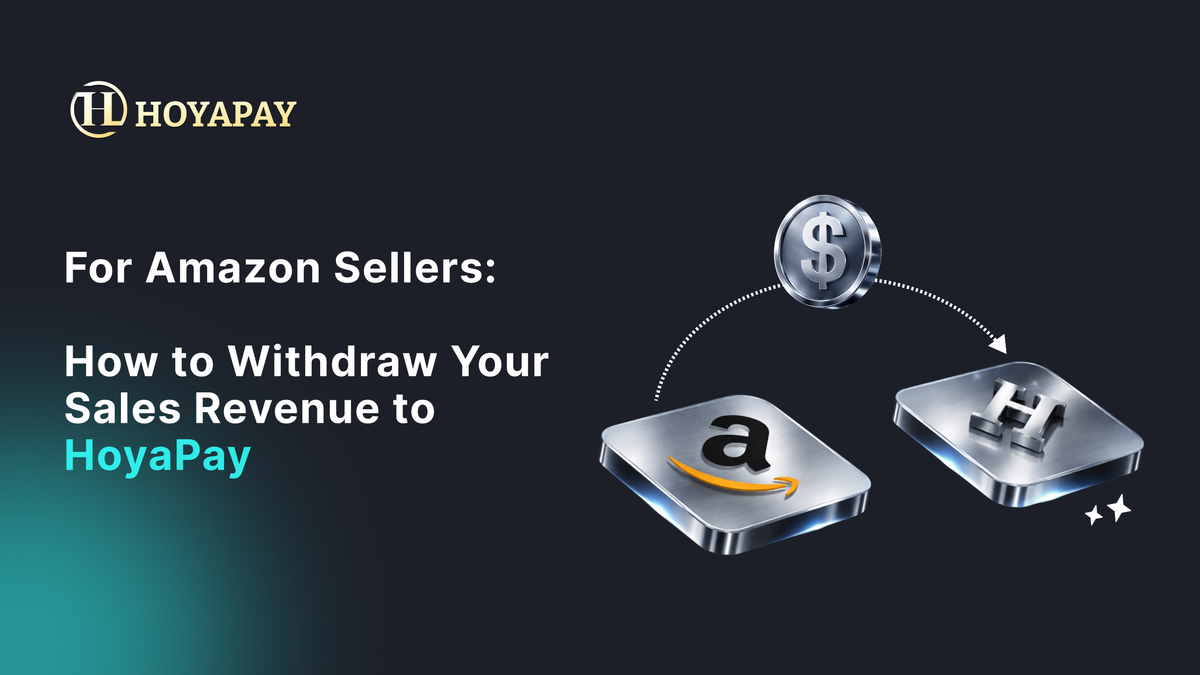
For Amazon Sellers: How to Withdraw Your Sales Revenue to HoyaPay

HoyaPay is more than just a wallet — it is a cross-border collection and fund management platform, especially suitable for international e-commerce sellers:
✔️ Provides a USD receiving account (USD Account) to accept Amazon payouts
✔️ Avoids automatic currency conversion by platforms, giving you full control over exchange rates
✔️ Supports flexible conversion between USD ↔ USDT / USDC ↔ local currencies
✔️ Allows withdrawals to local banks or spending via virtual cards
✔️ Enables centralized management of income from multiple platforms
(Amazon, eBay, Shopify, and more)
🧭Complete Guide: Amazon → HoyaPay Payout Setup
Below is the full process from activating HoyaPay to linking Amazon and successfully receiving funds.
Prepare Your HoyaPay USD Account
- Register and log in to HoyaPay
- Complete identity verification (KYC)
- Create a USD account in the dashboard
- Obtain the following account details:
- Bank name
- Routing number(或 SWIFT/BIC)
- Account number
Please refer to the film guide →
🧭Amazon Seller Central Setup
1️⃣ Go to Amazon Seller Central and Set Up Your Payout Account
- Log in to Amazon Seller Central
- Click Settings (top right)
- Select Account Info
- Find Deposit Methods
- Click Edit or Add new deposit method
2️⃣ Add HoyaPay as Your Amazon Receiving Account
On the bank account setup page, fill in the following information:
- Account holder name (Must match your Amazon seller account name)
- Bank name(Use the bank name provided by HoyaPay)
- Account number
- Routing number (U.S. ACH)or SWIFT/BIC (international wire transfer)
3️⃣ Complete Amazon Account Verification
Amazon may require account verification through one of the following methods:
- 🔹 Instant verification (available in some regions)
- 🔹 Micro-deposit verification
Once verified, HoyaPay becomes your official payout account 🎉
4️⃣ Set HoyaPay as Your Default Payout Method
- Return to Deposit Methods
- Confirm the HoyaPay account status is Active
- Set it as the Default deposit method
From this point forward, all Amazon sales revenue will be automatically paid into your HoyaPay USD account.
Please refer to the Amazon Operations Guide →
By using Amazon → HoyaPay, you can:
✔️ Reduce currency exchange losses
✔️ Improve cash flow efficiency
✔️ Enhance flexibility in cross-border fund management
✔️ Maximize the value of every Amazon payout
Set up your HoyaPay USD account todayand make Amazon payouts simpler, more flexible, and fully under your control 🚀